 Muser Studio
 📦 Muser Studio v1.0.30:
Animated loops with motion blur

Release Notes
Features:
- Render theme upgrade. Original now animates in and out, with cinematic motion blur.
- Loopless recording support. If you just want to record something and stay locked to a metronome click through your AirPods, you can.
Bug fixes:
- Fixed an issue with .msarc export and time-of-writing. Re-importing the archive file could trigger issues on certain device/platform combinations.
🎥 🏎️ Loop windows appear/disappear with more panache
Before Muser Studio version 1.0.30, when you defined a loop, or muted one, the arrival and departure of the little loop window in the final render was pretty abrupt. It just instantaneously popped on and off. Honestly, I was never particularly pleased with it, and it was definitely time to do better than that.
With the arrival of GPU acceleration in version 1.0.28 I didn’t just open up way faster rendering, I opened the door to prettier renders. Now when you render your video edits, you’ll see that video loop windows slide in and out smoothly with a little motion blur!
I also made the window corners rounded.
🍿👀 You can take the man out of visual effects, but you can’t take visual effects out of the man
In case you didn’t already know, I have a long history in visual effects, with most of my career being in movies. I took a break from that world because with everything I had learned, 10yr old me was getting increasingly frustrated that something I always wanted still didn’t exist: The ability to make music and capture the process as a video.
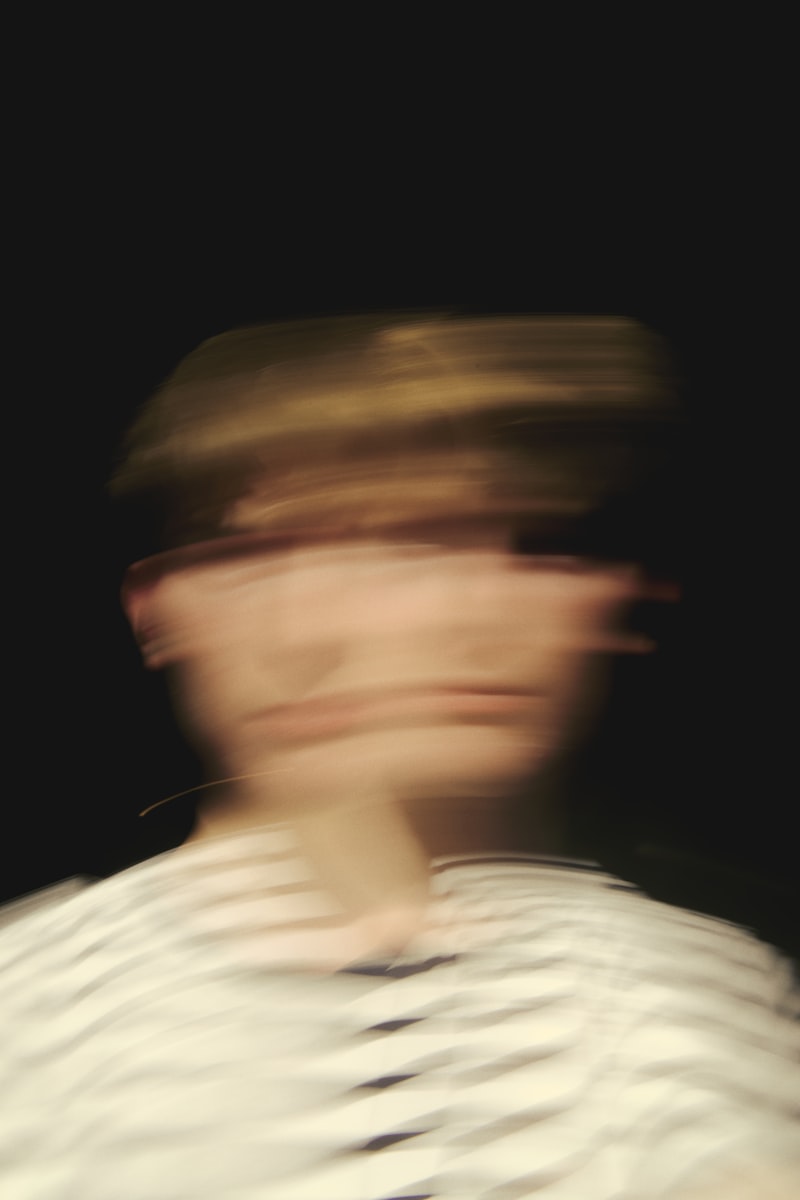
Fast-forward* to now, one of the many things that my fellow visual effects compadres and I have been sticklers for is a effect that happens in real cameras, called motion blur. Put simply, a video is load of successive images, called frames. A camera captures light for every part of the image, from the start of the frame for the duration that the is shutter-open. The shorter that time, the less light (darker) but sharper (less motion blur) each frame will be. That sharpness isn’t always good though - it can lead to a strobing/stuttering look that can be a bit distracting. In movies a good cinematic target it about 50%. In other words any given feature is blurred half of the way to where that feature is in the next frame.
This is what I calibrated for in this versions render theme.
Some closing thoughts
If you’ve got thoughts on what would make using Muser Studio easier and more fun, I really want to hear about it. Hit me up, it would be great to chat!
P.S.
*see what i did there? lol
v1.0.30 is available now for iOS
Photo credit: gryffyn m - Man In White Shirt Wearing Black Cap
Photo credit: Sufyan - A Red And Black Background
No comments yet - be the first!