 Muser Studio
 📦 Muser Studio v1.0.29:
Camera Flip while looping audio


Release Notes
Features:
- Switch camera mid-recording, keeping your loops in time! Ideal for getting selfie-shots as well as close ups.
- Press and hold metronome to reset tempo if no loops are defined. For when you want to freestyle your next loop.
Bug fixes:
- Minor UI corrections.
- Stability improvements.
♻️ 📸 ♻️ Flip your camera while looping audio without breaking your flow
Picture this: you’re playing guitar on selfie camera, building up some loop layers. Then, without messing around with stopping the recording, restarting, you want to switch iPhone cameras to a close-up of your fingers on the fretboard. Or pan over to the piano you’re about to layer in. Or capture whatever else is happening in the room that belongs in the composition.

How it works
Tap the camera-flip button during a recording, in-between defining your loops. Your audio keeps looping in perfect time, and the video cuts across to the other lens. Muser Studio ensures your final video will have no dropped beats, or loops sliding out of sync with.

In honesty, this was kind of tricky to pull off, because, as I’m sure you’ve experienced, switching the camera creates a little delay. The delay length depends on factors like remaining battery, temperature (phones slow down for safety if they get too hot), memory pressure (how many apps you have open), and so on. Despite this, a loop keeps looping through the change, and new loops line up with it perfectly.
What it’s good for
- Solo multi-instrumentalists jumping between instruments
- Showing technique close-ups without stopping the groove
- Switching between performer and audience perspective
- Catching spontaneous moments that fit the track
- Duets where you want to feature each player in turn
Some closing thoughts
This main feature of this version came straight from using the app myself and hitting the wall. A “I was playing the guitar and now want to play the piano”-shaped wall. I realised i needed this ability whilst looping. And now you have this ability too.
If you’ve got similar friction points, I really want to hear about them. That’s how the good features and workflows get made.
v1.0.29 is available now for iOS
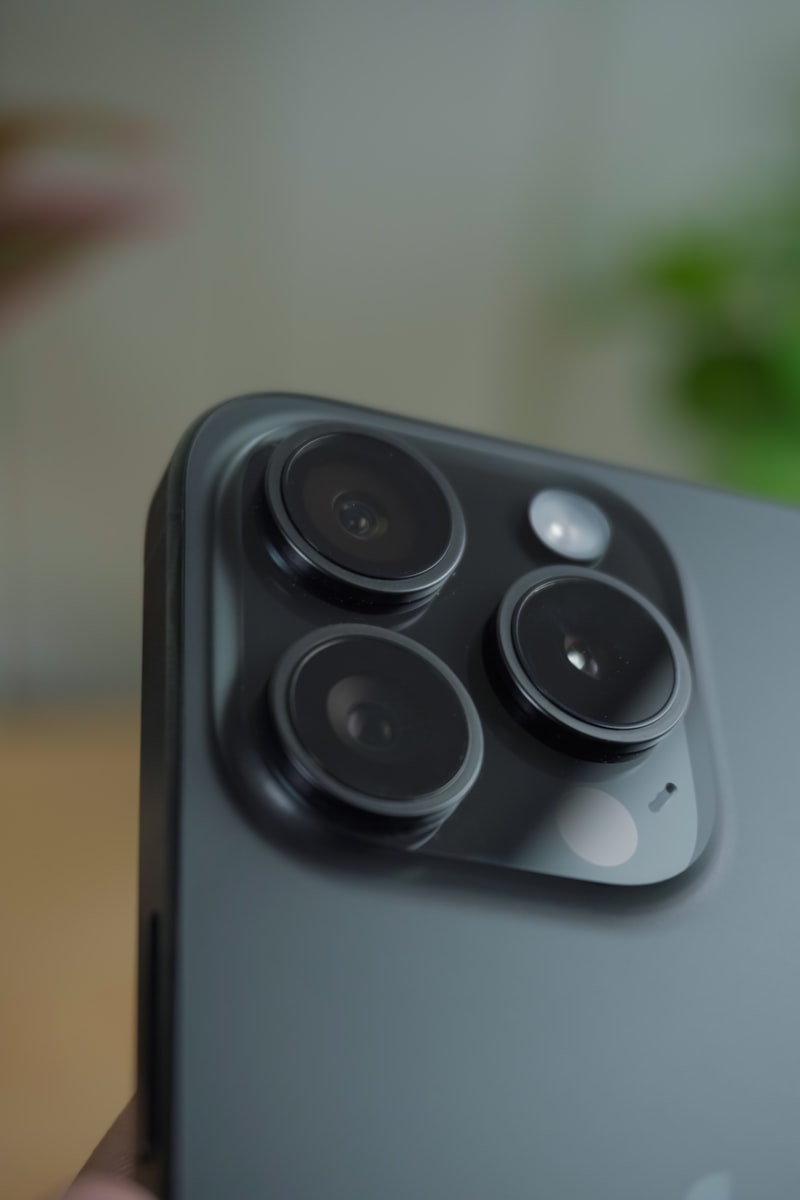
Photo credit: nitin v - A Close Up Of A Person Holding A Cell Phone
GIF credit: Giphy
GIF credit: Giphy
No comments yet - be the first!