 Muser Studio
 📦 Muser Studio v1.0.28:
Mute Audio Loop, Hide Video Loop


Release Notes
Features:
- Video loops are hidden when audio loops are muted, and revealed when audible.
- Huge code architecture overhaul. Logic rebuilt giving snappier UI response.
- Video stems now match audio grid alignment padding so things line up more easily in NLE/DAW software.
Bug fixes:
- Improved resilience on app-resume.
- Made export project and capture to render flow more robust.
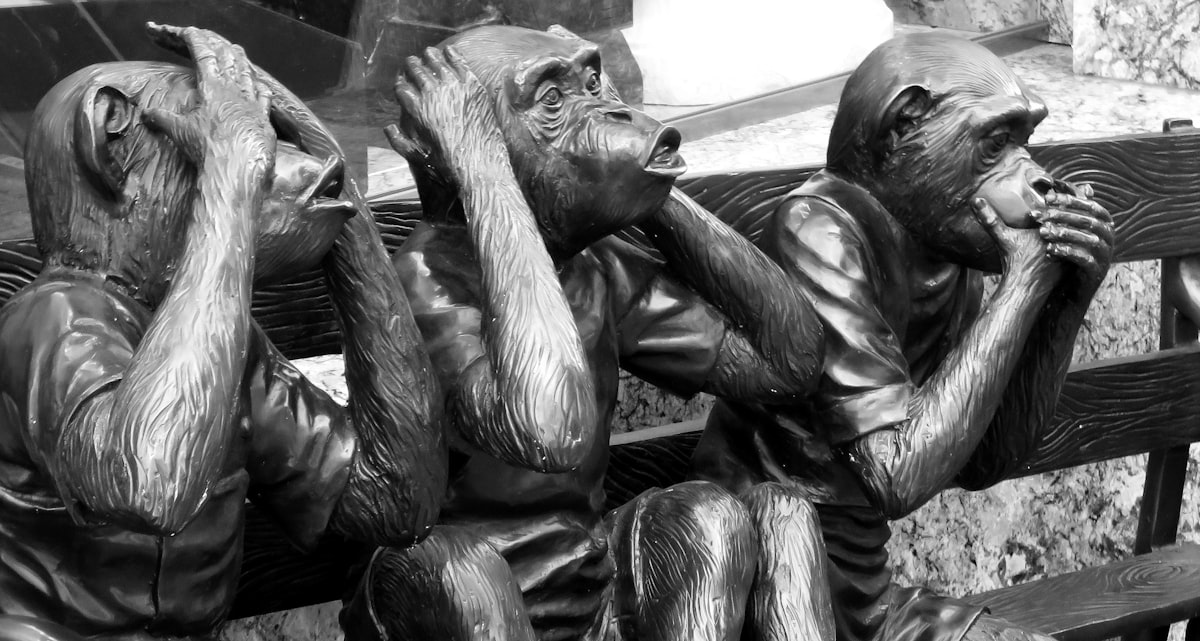
🙉 = 🙈 Hear no loop, see no loop
Start recording. Tap to start a loop, tap again to end it. Repeat. This is how you build up loops that later get rendered.
What some may not know is, if you tap that specific loop button again, you can mute the audio of the loop. Great if something didn’t work out, or its all getting too crowded and you want to simplify your live loop mix.
There are a number of ways this can be beneficial. Obviously if you’re layering loops and its getting a bit cluttered, muting loops gives you a bit more sonic space.
Another fun use case: I can pre-establish some working loops in one take, mute them all, then slowly build up a melodic arrangement with more abstract or playful elements before unmuting the heavy lifting loops later. Then, when I’m ready to share, I can trim off the start of the recording so the audience gets the surprise of hearing those foundational loops suddenly kick in.

The problem was video. Until now the looping video clips would remain visible in the edit even if/when the audio was muted. Honestly this has been bothering me for a while but I was putting off fixing it because GPU acceleration was going to mean reworking it anyway.
Video Stem alignment

Lets say you want to put your Muser Studio edit into a NLE like DaVinci Resolve, or a DAW like Ableton Live. And, you don’t to mess around with lining up loops. Audio stem are the way to go, they have the looping parts pre-packaged in the right places.
The added benefit with a DAW is you can enter the BPM ahead of time. Then when you drop in the stems they line up with the zero point on the timeline. Perfect for throwing in drum loops or other elements.
What about video though?

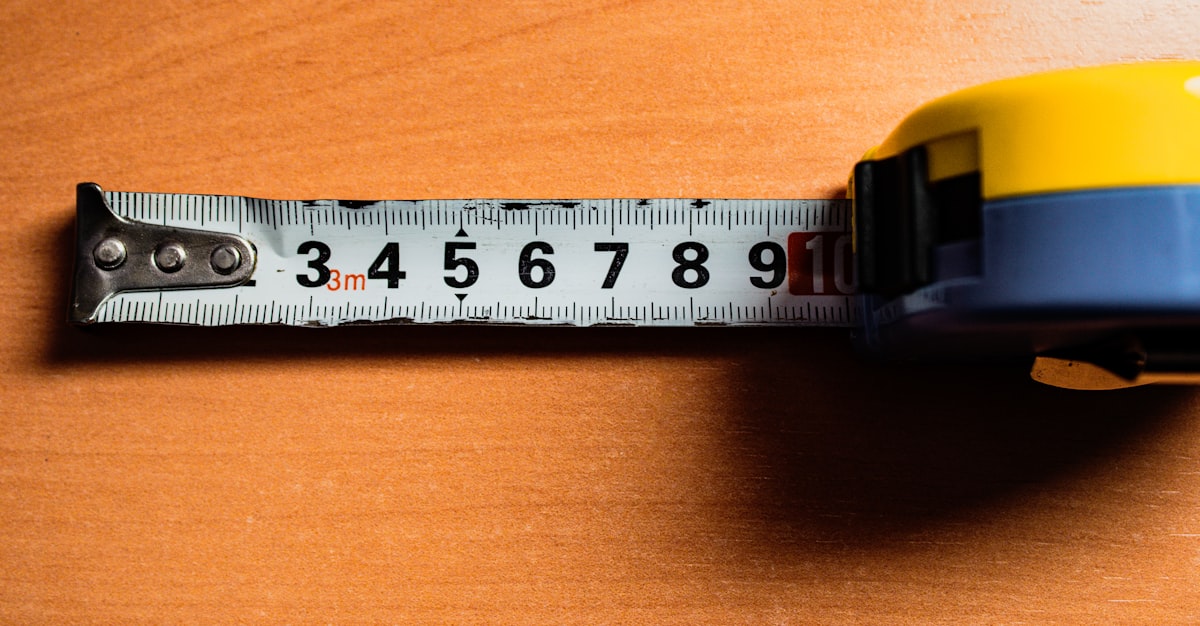
Now video stems enjoy the same “grid-alignment” padding meaning you can through them into your session and start getting fancy - safe in the knowledge that they too line up with the grid and your audio.
Grid-aligned video was a key things I always wanted to have for myself!
Lining up video with audio manually was hugely time consuming and incredibly boring. Hence, when I started Muser Studio, I was looking forward to the day I could make it happen. I’m happy I did and that I get to share it with you.
v1.0.28 is available now for iOS
Photo credit: Paulette Vautour - Grayscale Chimpanzee Statues
Photo credit: Kristina Flour - Grayscale Photo Of Woman Doing Silent Hand Sign
Photo credit: feey - A Pink Potted Plant Sitting On Top Of A Wooden Stool
GIF credit: Giphy
Photo credit: Mark Owen Wilkinson Hughes - A Tape Measure Is On A Wooden Table
No comments yet - be the first!