 Muser Studio
 📦 Muser Studio v1.0.25:
Video Stems for Editing from a Looper app



Release Notes
Features:
- Video Stems! Export full length videos of each loop and freestyle section in your recording with content pre-lined up. Video editing on your desktop of video editing apps can now be started with a simple file drag and drop.
- Tempo grid alignment on main video, as well as audio and video stems. Throw the files into a DAW with the correct tempo setting and have everything sync up!
- VideoStem exports include a constant frame rate conversion, for greater compatibility with editing software.
- Text overlay with bpm as helpful title for video renders and stems.
Bug fixes:
- Under the hood fixes for greater stability and compatibility
🌱📹 Video Stems for editing outside the looper app
A what stem? Well for starters, whats a regular audio stem:
Audio stems are submix files for parts of a song. In our case they can be loops, or one-shot freestyle recordings. Typically they are often vocals, drums, or guitars. Each stem runs the entire song duration, containing audio only when that source is active and silence elsewhere. They preserve the internal balance of that part, so you can recombine stems to recreate or adjust the full mix.
Video Stems are exactly like this, except they are video footage, and black instead of sound and silence!
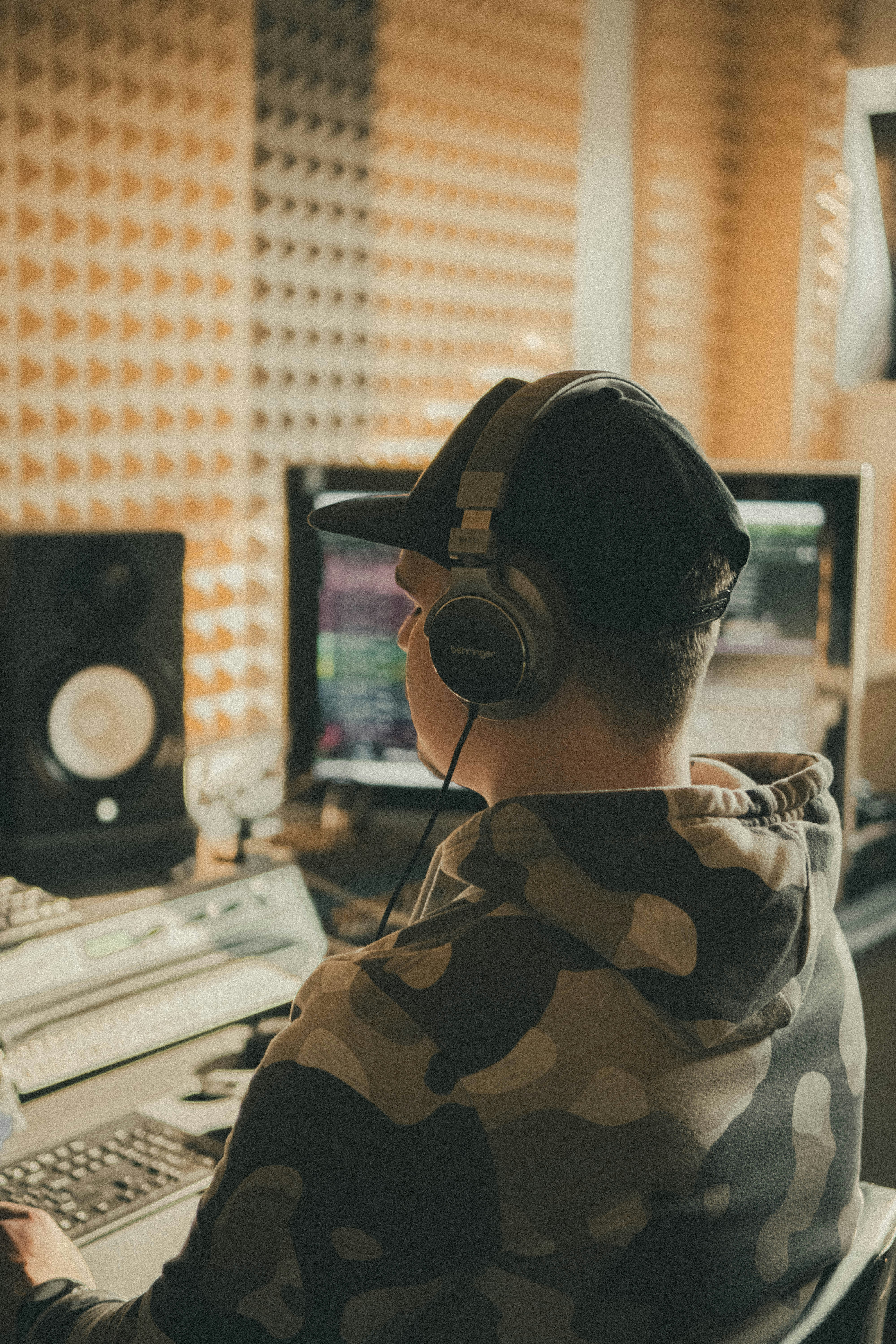
This update opens the door on video stem editing. You can now export full-length videos for each loop or freestyle section, with pre-aligned content at the right moments. Drop them into Resolve, Final Cut, Premiere, or your favourite editor, and begin cutting or grading immediately. You can even throw them into many modern DAWS apply them to you music projects, with perfect alignment with audio stems.
⏱️ Sync that just works
Each exported video and audio stem now aligns to the tempo grid of your session. Set the same BPM in your DAW or NLE, and everything snaps into sync — no manual trimming or nudging needed.

💎 Compatible and clear
Exports use a constant frame rate for smoother playback across different editing tools, and the renders include a BPM overlay in the title text so you can always see the timing reference at a glance.
🛠️ Stability improvements
This version also brings quieter, under-the-hood fixes to improve reliability and compatibility across devices.
Thanks again for using and supporting Muser Studio — the looping video camera for musicians and creators, on your phone, in real time, with less friction.
v1.0.25 is available now for iOS
Photo credit: Annie Spratt
Photo credit: Luis Gherasim
Photo credit: Kier in Sight
Photo credit: Jeff Ranasinghe
No comments yet - be the first!