 Muser Studio
 📦 Muser Studio v1.0.24:
Looper Video Preview Images



Release Notes
Features:
- Camera window now shows loop preview images as you create them!
- Support for portrait, portrait-upside-down, landscape-left, and landscape-right videos.
- Feedback-risk warning when using speakers with audio pass-through mode.
Bug fixes:
- Get Started (Guide Click) now disables audio Pass Through in the reset step.
🌀 🌠 Looper video preview images while you record
As you record, the camera view now shows preview stills for each loop you mark. This lets you see your composition forming in real time, getting a sense of how the final performance will look before you even stop recording.
It’s a deceptively powerful change that makes Muser Studio feel more like a composer and less like a black box — what you see while you play is what you’ll see in the finished video.

👈 👆👇 👉 Better orientation handling
Videos now record properly in any device orientation: portrait, upside down, or either landscape. Film vertically for social posts or sideways for long-form content - the session automatically locks to the orientation you start recording in. The UI stays put, but the preview stills and final composition appear repositioned to fit your chosen angle.

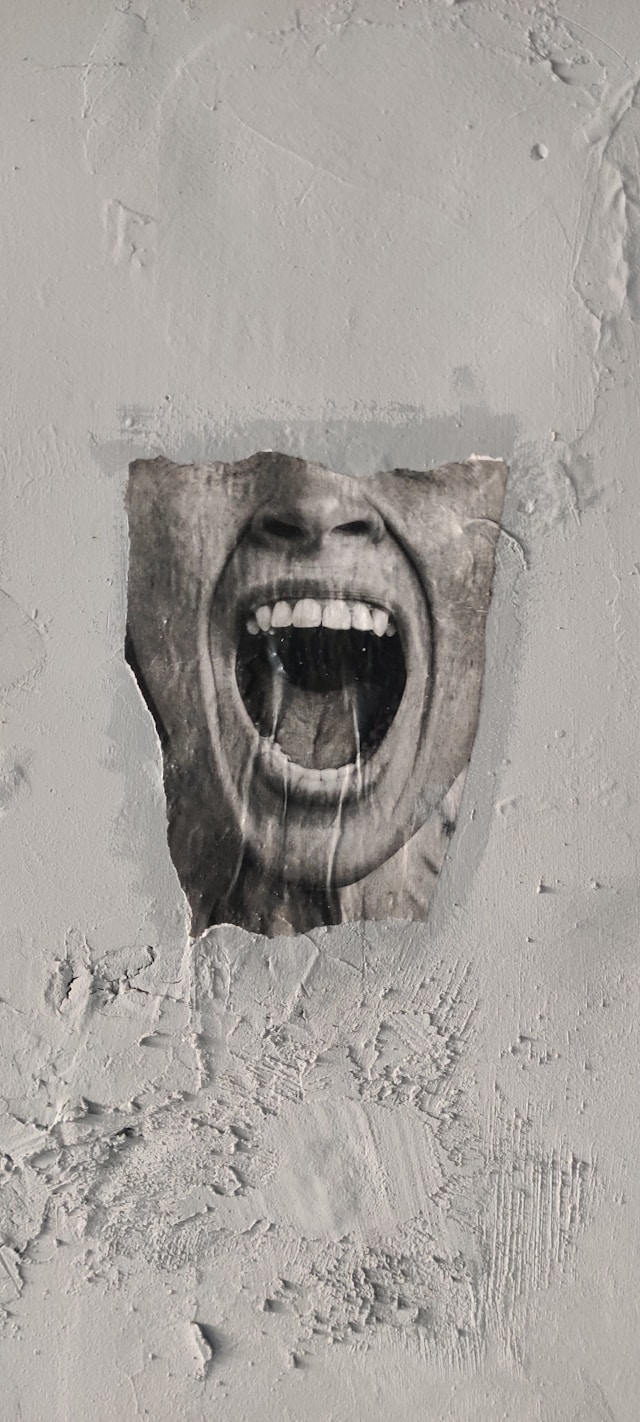
🔊😭 Safer audio monitoring
Live audio Pass Through, aka monitoring through handset speakers is generally a bad idea. Muser Studio now pops up a quick warning when feedback noise could occur. Switch to headphones or skip using pass-through to avoid unpleasant surprises.
🛠️ Fixes for you
The guide tour now disables the audio pass-through in the early steps. No one wants to be stuck with a screeching phone whilst trying to do a tutorial!
Thanks for using and supporting Muser Studio. The goal stays the same: a looping video camera for musicians and creators, on your phone, in real time, with less friction.
v1.0.24 is available now for iOS
Photo credit: Ashley Anthony
Photo credit: Danny Greenberg
Photo credit: Joakim Honkasalo
Photo credit: Thiébaud Faix
No comments yet - be the first!