 Muser Studio
 📦 Muser Studio v1.0.22:
Loop with the camera view or iRig BlueBoard


Release Notes
Features:
- Mark loop starts and ends by tapping the video screen! Easier to hit than the individual loop swatches, a simple tap on the camera feed during recording will mark loops.
- New Tour - adding an introduction to looping using a metronome, and using visual metronome indicator to better place your loop points.
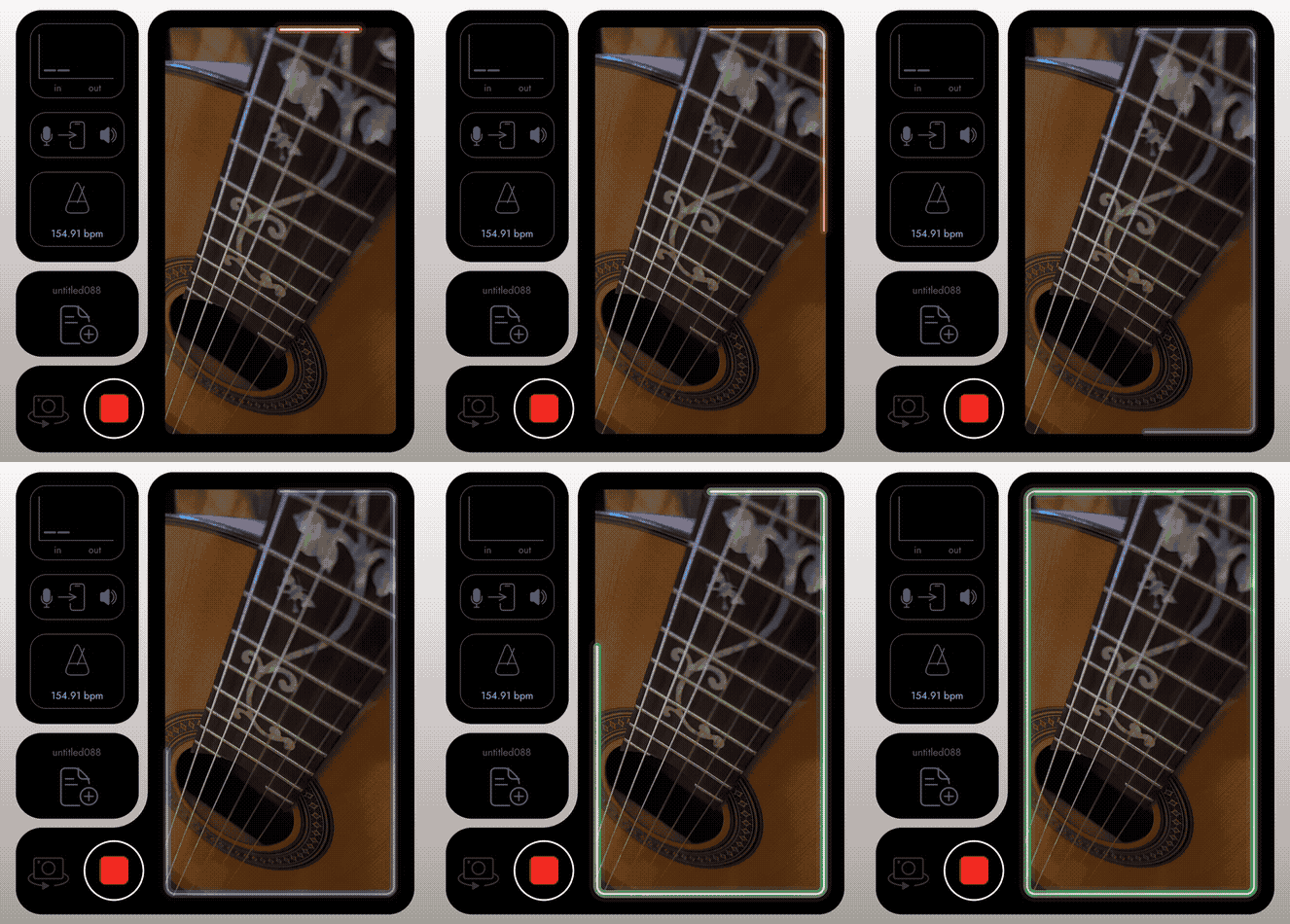
- Visual metronome indicator now highlights the next relevant loop point - start OR end, not both. Change made to help avoid confusion.
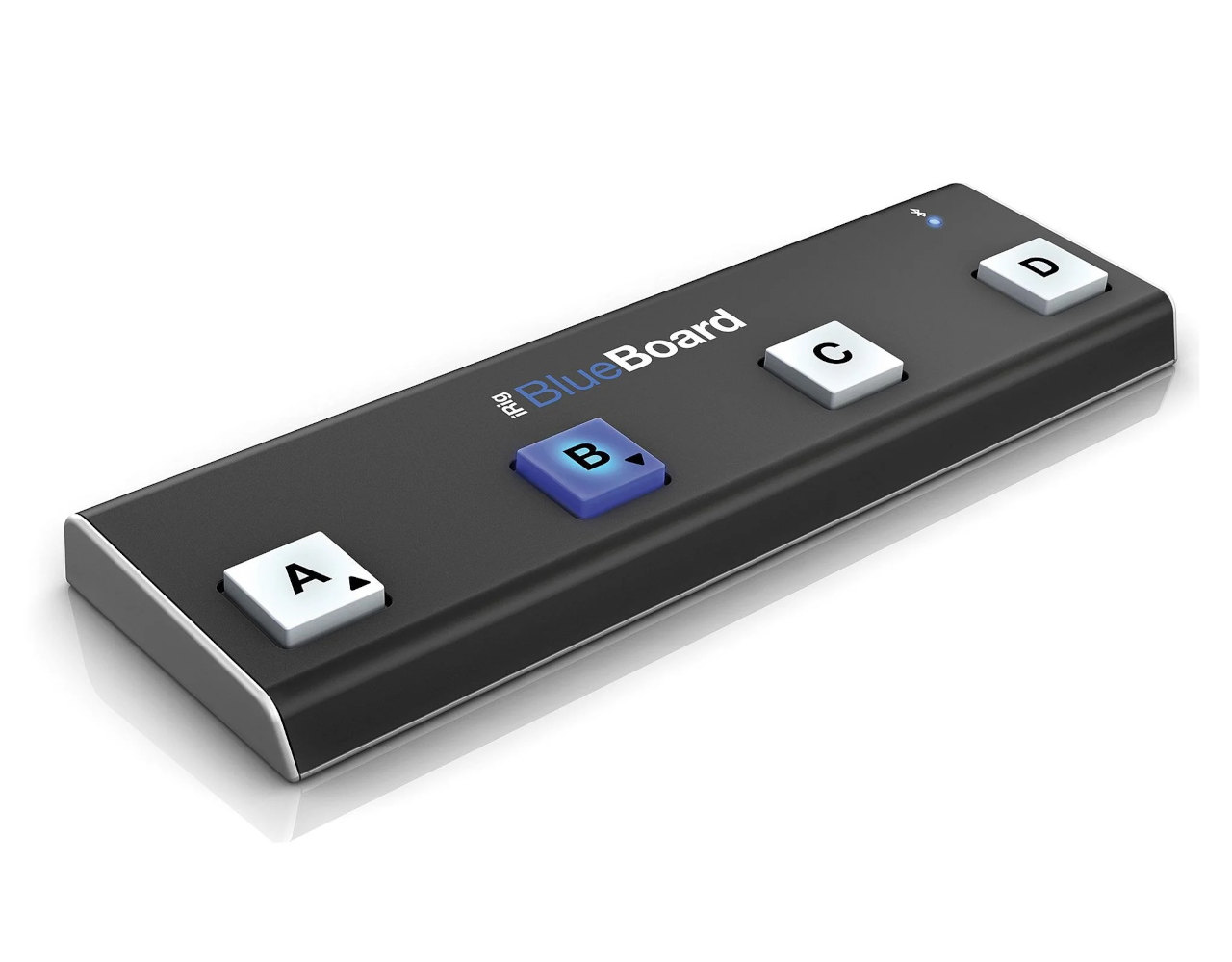
- Added support for IK Multimedia’s iRig BlueBoard as a remote control for marking loops.
👉 What Looping with the Camera View or iRig BlueBoard means to you
Tap the camera display window to mark loops
Tapping the loop swatches has always been there, and still works. Now, though, you can tap on the live video itself during recording. Muser Studio will mark the start or end, based on the situation. It works like the foot-switch “mark loop” action. Bigger and easier to hit in the moment - which is especially helpful if you don’t have a remote control.
A new Tour for better timing
There’s a new Tour that walks through looping with a metronome and shows how to use the visual indicator to place loop points more cleanly. If you are new to looping, this is a fast way to get tight results.
Clearer visual cues
The visual metronome now highlights the next relevant loop point. You will see green start or red end highlight depending on whether the next action will start a new loop, or complete and in-progress one. This reduces second-guessing and helps you stay focused on playing.
iRig BlueBoard support
You can now use IK Multimedia’s iRig BlueBoard to mark loops hands-free. The functionality is the same as with the M-Vave Chocolate: A to start/stop recording, B to start/end loops.
Thanks again for using and supporting Muser Studio. We are building a looping video camera for musicians and creators, on your phone, in real time, no cables, no fuss.
v1.0.22 is available now for iOS
No comments yet - be the first!