 Muser Studio
 🌀 Editing music videos:
beyond the looper app

Muser Studio gives you a ready-to-share video of your musical creation by default, which is great if you want to loop, layer, and post quickly.
With v1.0.16 introducing Share Video Loops feature, it’s now possible to remix your music and your visuals at the same time.
You can take your layered loops and turn them into full-on edits: change the arrangement, add visual and audio effects, and really flex your creativity.
🎥 Here’s the overall idea in 20 seconds
From App to Edit in less than half a minute
In this quick demo, I’m showing a layered loop performance captured and rendered using Muser Studio. But instead of posting the full combined video right away, the individual loops are exported as separate video clips.
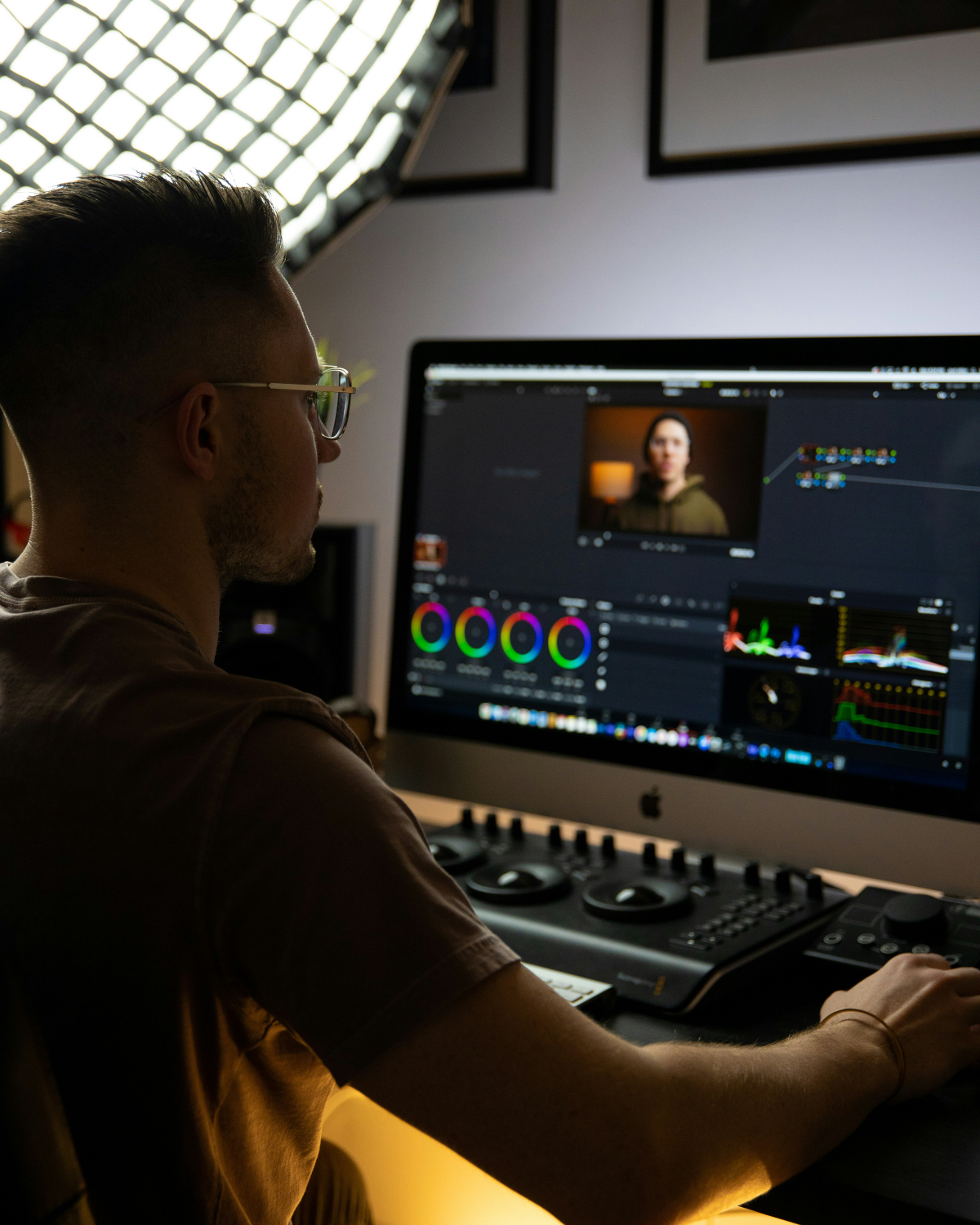
From there, they’re shared to a Mac via AirDrop and dropped straight into DaVinci Resolve — but this could just as easily be Final Cut, CapCut, Premiere, or any editor of your choice. There is also support for Dropbox, Google Drive etc. (so fear not Windows/Linux users).
Now you can:
- Rearrange loops to build a new structure
- Create fast cuts or slow builds
- Add effects, overlays, or titles
- Or even sync the video to a different mix/master of the audio
💡 Why this matters
Sometimes, the version you captured live is perfect. But sometimes it’s raw material for something more polished, cinematic, or unexpected.
With Share Video Loops, Muser Studio becomes something greater, allowing the editing of music videos to go beyond a looper app — it becomes a creative camera for musicians who want control over both sound and image.

Photo credit: Josh Miller
Photo credit: Luis Gherasim
No comments yet - be the first!